If Fortnite server status is the first thing you’re checking because Fortnite suddenly won’t let you log in, join a match, or connect with friends, the problem may not be with your device.
Fortnite relies on multiple online services to keep the game running. These include login, matchmaking, game sessions, parties, voice chat, statistics, and other connected features.
When one of these services has a problem, players may experience errors even when their internet connection is working normally.
In this guide, we’ll explain how Fortnite server status works, how to determine whether Fortnite is down, and what you can do when the servers appear to be working but you still can’t play.
What Is Fortnite Server Status?
Fortnite server status refers to the current condition of Fortnite’s online services.
The game doesn’t depend on just one server or one system. Different services handle different parts of the Fortnite experience.
These can include:
- Login services
- Matchmaking
- Game services
- Friends and parties
- Voice chat
- Player statistics
- Item Shop
- Fortnite Crew
- Account services
Because these systems can operate separately, Fortnite may experience a partial outage.
For example, you might successfully log into the game but be unable to start a Battle Royale match.
https://www.epicgames.com
Why Is Fortnite Server Status Important?
Checking Fortnite server status can save you from wasting time changing settings on your device when the actual problem is on Epic Games’ side.
If thousands of players are experiencing the same issue, reinstalling Fortnite or resetting your router probably won’t solve the problem.
Checking the server condition first helps you determine whether you should wait for an outage to be resolved or troubleshoot your own connection.
How to Check Fortnite Server Status
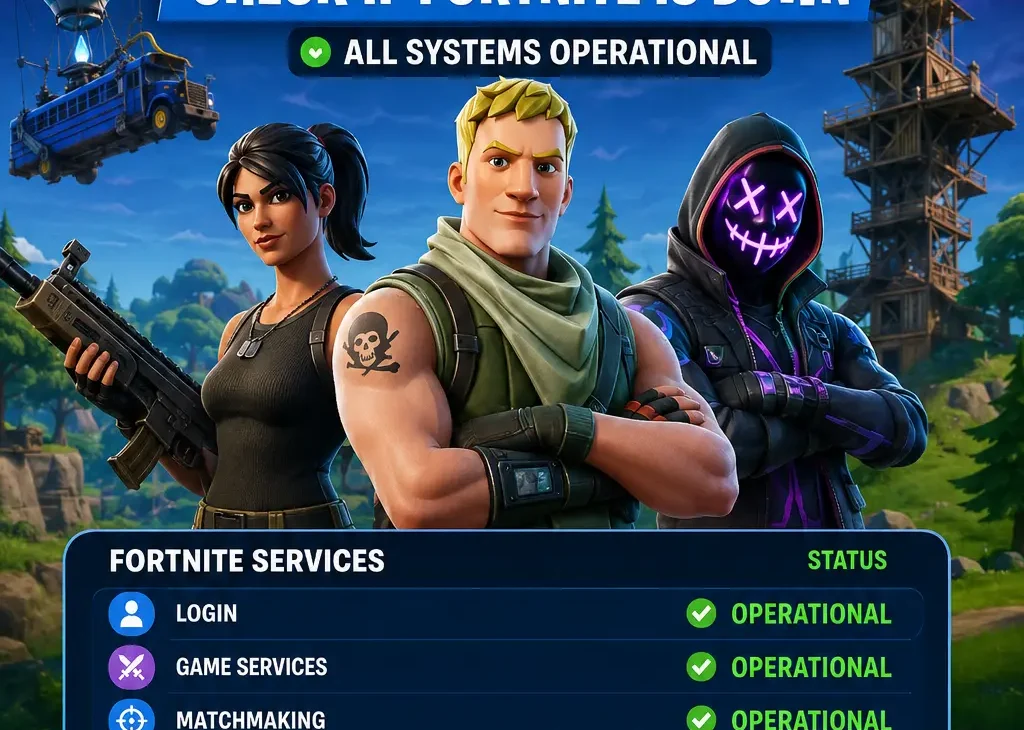
The easiest way to check Fortnite server status is through Epic Games’ official service-status page.
Look for Fortnite and its individual services.
A service may show different conditions, such as:
- Operational
- Degraded performance
- Partial outage
- Major outage
- Maintenance
If everything is operational, the problem may be related to your internet connection, device, account, or local network.
If Fortnite services show an outage, there’s usually nothing you need to change on your device.
Is Fortnite Down for Everyone?
Not necessarily.
Sometimes a Fortnite problem affects players worldwide, while other incidents only affect a specific region, platform, game mode, or service.
For example, matchmaking could experience problems while players who are already inside a match continue playing normally.
Similarly, a platform-specific issue could affect console players while PC players continue playing without problems.
That’s why checking the exact service experiencing the problem is more useful than simply asking whether Fortnite is down.
Fortnite Server Status vs Internet Problems
It’s easy to confuse a Fortnite outage with an internet connection problem.
If Fortnite is down, other websites and online games may continue working normally.
If your internet connection is the problem, you may notice issues with multiple services.
Try opening another website or online application.
If everything else works but Fortnite doesn’t, checking Fortnite server status should be your next step.
7 Easy Ways to Check Fortnite Server Status
If you’re trying to determine whether Fortnite is currently experiencing an outage, there are several ways to check the situation.
1. Check the Official Status Page
The official service-status page is usually the best place to check Fortnite server status.
It can show whether individual Fortnite services are operational, experiencing problems, or undergoing maintenance.
2. Check Fortnite’s Social Media Updates
Epic Games may announce major outages, maintenance periods, or technical problems through its official social channels.
This can be particularly useful when a widespread problem is developing.
3. Check Community Reports
If many players suddenly report the same login or matchmaking error, there’s a good chance the problem isn’t limited to your device.
Community reports can help identify problems that started recently.
4. Check Matchmaking
If you can log into Fortnite but cannot enter a match, the issue could be related specifically to matchmaking.
Try another game mode if available.
If none of the modes work, check Fortnite server status before changing your network settings.
5. Check Your Internet
Run a quick test by opening other websites or online services.
If everything else works normally, Fortnite may be experiencing a service-specific problem.
6. Restart Fortnite
Close Fortnite completely and launch it again.
Temporary connection errors can sometimes disappear after restarting the game.
7. Check Again After a Few Minutes
Server problems can be temporary.
If Fortnite services are experiencing an outage, waiting a short period and checking the status again can tell you whether the problem has been resolved.
Common Fortnite Server Problems
Not every Fortnite problem means the entire game is offline.
Different services can experience different issues.
Login Problems
You may be unable to sign into your Epic Games account even though the game itself loads normally.
Matchmaking Problems
You may enter Fortnite successfully but remain stuck while searching for a match.
Party Problems
Friends may appear offline, invitations may fail, or you may be unable to join another player’s party.
Voice Chat Problems
Game audio may work while voice chat stops functioning.
Item Shop Problems
The Item Shop or certain account-related features may temporarily become unavailable.
Game Mode Problems
A particular mode can experience problems while other Fortnite modes continue working normally.
Why Fortnite Servers Go Down
Even when Fortnite server status normally shows everything working, temporary outages can happen for several reasons.
Scheduled Maintenance
Epic Games regularly performs maintenance to deploy updates, fix bugs, improve performance, and prepare new content.
During major updates, Fortnite may become temporarily unavailable while the servers are being updated.
Major Fortnite Updates
Large updates can require server maintenance.
When a new season, major patch, or significant gameplay change is released, many players may try to connect at the same time.
This can lead to temporary login or matchmaking problems.
Unexpected Technical Problems
Server hardware, software, networking, or database problems can occasionally cause unexpected outages.
These incidents may affect only certain services or regions.
High Player Traffic
A sudden increase in players can put additional pressure on online services.
Major events, new seasons, collaborations, and free content can attract large numbers of players at once.
Regional Problems
A server issue doesn’t always affect the entire world.
Players in one region may experience connection or matchmaking problems while players elsewhere continue playing normally.
Fortnite Scheduled Maintenance
Scheduled maintenance is one of the most common reasons players check Fortnite server status.
Before major updates, Fortnite may temporarily become unavailable while the new version is deployed.
During this period, you may see:
- Login errors
- Matchmaking unavailable
- Connection errors
- Queuing problems
- Friends or parties not loading
- Game modes temporarily unavailable
If maintenance is scheduled, there’s usually no need to troubleshoot your router or reinstall the game.
Waiting until maintenance is finished is normally the best approach.
How to Know If the Problem Is on Your Side
If Fortnite server status shows that services are operational but you still can’t connect, the problem may be local.
Start by checking your internet connection.
Restart your router and modem if necessary.
Then restart Fortnite and your gaming device.
You can also test another online game or website.
If other services are also having problems, your internet connection may be responsible.
If everything else works normally but Fortnite doesn’t, continue checking your account, game files, and platform connection.
Fortnite Server Status on Different Platforms
Fortnite is available across several gaming platforms, but an issue doesn’t always affect every platform equally.
PC
PC players can experience problems related to Epic Games Launcher, game files, graphics drivers, or network settings.
PlayStation
PlayStation players should also consider the status of PlayStation Network when troubleshooting Fortnite connection problems.
Xbox
Xbox users may need to check Xbox network services if Fortnite isn’t connecting properly.
Nintendo Switch
Switch players can experience problems related to Wi-Fi, Nintendo’s online services, or Fortnite itself.
If only one platform is affected while others are working normally, the problem may be platform-specific rather than a complete Fortnite outage.
How to Fix Fortnite When the Servers Are Working
If Fortnite server status shows that the services are operational but you still can’t play, the problem may be related to your device, account, or internet connection.
Try these solutions before making major changes.
1. Restart Fortnite
Close Fortnite completely and open it again.
Don’t simply return to the home screen. Fully close the game so it starts a fresh connection when you launch it.
2. Restart Your Gaming Device
Restart your PC, PlayStation, Xbox, or Nintendo Switch.
A simple restart can clear temporary network and software problems.
3. Restart Your Router
Turn off your router, wait for a short period, and turn it back on.
Wait until the internet connection is fully restored before launching Fortnite again.
4. Check Your Internet Connection
Try another online game or website.
If other services are also slow or unavailable, your internet connection may be the actual problem.
5. Check for Fortnite Updates
Make sure Fortnite is running the latest available version.
An outdated game client may prevent you from connecting properly after a major update.
6. Check Your Epic Games Account
Make sure you’re signed into the correct Epic Games account.
If there’s an account-related problem, you may have trouble accessing Fortnite even when Fortnite server status shows normal operation.
7. Check Your Platform’s Online Service
If you’re playing on a console, check whether its online service is experiencing problems.
Fortnite may be working normally while PlayStation Network, Xbox services, or Nintendo’s online services are having an outage.
What to Do During a Fortnite Outage
If Fortnite server status confirms that there’s a major outage, there’s usually nothing you can do to fix the server itself.
The best approach is to wait for the service to recover.
Avoid repeatedly reinstalling Fortnite or changing advanced network settings when the problem is clearly server-side.
You can check the status periodically and try connecting again once the affected service returns to normal.
How Long Do Fortnite Server Outages Last?
There’s no fixed duration for every outage.
Minor problems may be resolved quickly, while larger technical issues or scheduled maintenance can take longer.
The length of an outage depends on what caused it and how widespread the problem is.
During major updates, downtime can also last longer than normal because Epic Games needs to deploy and verify the new game version.
Can Fortnite Be Down Without Showing an Outage?
Yes.
A newly developing issue may not immediately appear on an official status page.
Players may begin experiencing problems before the incident is formally identified.
This is why checking recent community reports can sometimes provide additional information.
However, official status information should remain your primary source when determining whether Fortnite’s services are experiencing a confirmed outage.
Why Does Fortnite Keep Saying Connecting?
A constant Connecting message can be caused by server problems, matchmaking issues, network instability, or problems with your game client.
First, check Fortnite server status.
If the services are operational, restart Fortnite and your device.
Then test your internet connection and restart your router if necessary.
If other online services work normally but Fortnite remains stuck, the problem may be related specifically to Fortnite or your account.
Frequently Asked Questions
How can I check Fortnite server status?
Check Epic Games’ official service-status page first. It provides information about Fortnite’s major online services and whether they are operational or experiencing an issue.
Is Fortnite down right now?
Fortnite’s status can change at any time. If you’re having trouble connecting, check the current official service status before troubleshooting your device.
Why can’t I log into Fortnite?
Login problems can be caused by an outage, account issues, network problems, or temporary technical problems.
Why is Fortnite matchmaking not working?
Matchmaking may be temporarily unavailable because of server problems, maintenance, regional issues, or high traffic.
Can Fortnite be down for only one region?
Yes. A regional network or server problem can affect players in one area while Fortnite continues working normally elsewhere.
Why does Fortnite keep disconnecting?
Repeated disconnections can be caused by unstable internet, Wi-Fi interference, packet loss, server problems, or issues with your gaming platform.
Should I reinstall Fortnite if the servers are down?
No. Reinstalling the game won’t fix a server-side outage. Check Fortnite server status first and wait for the service to recover if Epic is experiencing an outage.
Why can my friends play Fortnite but I can’t?
The issue could be related to your internet connection, account, platform, region, or a problem affecting only certain players.
How do I know if Fortnite maintenance is happening?
Scheduled maintenance is usually announced through official Fortnite or Epic Games channels. The service-status information can also indicate when a service is undergoing maintenance.
Final Verdict
Checking Fortnite server status should be one of the first things you do when Fortnite suddenly stops working.
If Epic’s services are experiencing an outage, there’s usually nothing wrong with your PC, console, or internet connection. Waiting for the servers to recover is the best option.
If the servers are operational, start troubleshooting your own setup by restarting Fortnite, checking your internet connection, restarting your router and gaming device, and making sure the game is updated.
You should also consider platform-specific services if you’re playing on PlayStation, Xbox, or Nintendo Switch.
Most importantly, don’t immediately reinstall the game or change advanced settings before checking the server situation. A quick status check can tell you whether the problem is widespread or limited to your setup.