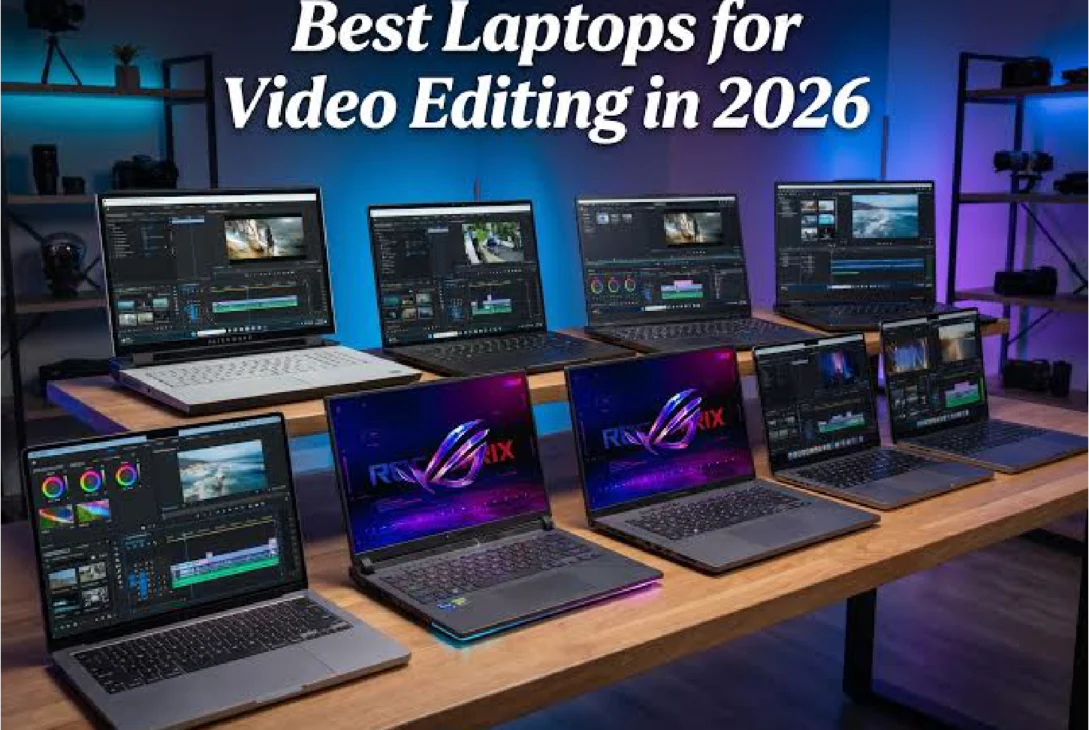
If you’re serious about creating high-quality videos, investing in one of the best laptops for video editing is one of the smartest decisions you can make. Whether you’re editing YouTube content, short films, wedding videos, commercials, or professional client projects, the right laptop can save you hours of rendering time and make your editing experience much smoother.
Modern video editing software like Adobe Premiere Pro, DaVinci Resolve, Final Cut Pro, and After Effects requires powerful hardware. Editing 4K or even 8K footage isn’t just about having a fast processor anymore. You also need a capable graphics card, enough RAM, a fast SSD, and a color-accurate display. Choosing the wrong laptop can lead to laggy timelines, slow exports, overheating, and frustration.
In this guide, we’ll explore the best laptops for video editing, explain what features matter most, compare the top models available in 2026, and help you decide which one fits your budget and editing needs.
Why Choosing the Right Laptop for Video Editing Matters
Video editing is one of the most demanding tasks a laptop can perform. Unlike web browsing or office work, editing software constantly processes large video files, visual effects, transitions, audio tracks, and color grading. Every component inside your laptop plays an important role.
A powerful laptop allows you to preview your edits smoothly without constantly waiting for the timeline to load. It also reduces rendering and export times, making your workflow much more efficient. If you edit videos regularly, investing in better hardware pays for itself through improved productivity.
The best laptops for video editing are also built to handle future software updates and higher-resolution footage. Instead of replacing your laptop every couple of years, choosing a powerful model today ensures it remains capable for many years.
What Makes a Laptop Great for Video Editing?
Before looking at specific models, it’s important to understand the hardware requirements that matter most.
Processor Performance
The processor is responsible for handling most editing tasks. A faster CPU means smoother playback, quicker rendering, and better multitasking.
For professional editing, look for processors like Apple’s M5 Pro or M5 Max, Intel Core Ultra 9, Intel Core i9, or AMD Ryzen 9 AI series. These chips provide excellent performance for demanding creative workloads.
If you’re only editing 1080p videos occasionally, an Intel Core Ultra 7 or AMD Ryzen 7 can still deliver good performance without stretching your budget.
Dedicated Graphics Card
Many editing applications now rely heavily on GPU acceleration. Effects, transitions, color grading, and AI-powered tools all benefit from a powerful graphics card.
NVIDIA RTX 5060, RTX 5070, RTX 5080, and RTX 5090 GPUs are excellent choices for creators. Apple’s integrated graphics in the M-series chips are also surprisingly powerful, especially for Final Cut Pro users.
Having a capable GPU not only speeds up exports but also makes editing much smoother when working with high-resolution footage.
Memory (RAM)
RAM determines how much information your laptop can process at the same time.
For beginners, 16GB is the minimum recommendation. If you regularly edit 4K videos, use After Effects, or multitask with Photoshop and Premiere Pro, 32GB is a much better investment.
Professional editors working with large commercial projects often choose 64GB or more for maximum performance.
Fast SSD Storage
Video files are enormous. A single 4K project can easily consume hundreds of gigabytes.
A fast NVMe SSD allows projects to open quickly, improves software responsiveness, and reduces loading times. A 1TB SSD is recommended for most users, while professionals may benefit from 2TB or larger storage options.
Display Quality
A laptop’s display affects every editing decision you make.
Look for an OLED or Mini-LED display with high brightness and excellent color accuracy. A screen that covers 100% DCI-P3 or AdobeRGB ensures your videos look consistent across different devices.
Best Laptops for Video Editing in 2026
Apple MacBook Pro 16 (M5 Max)
For many professionals, the MacBook Pro remains the gold standard among the best laptops for video editing.
Apple’s M5 Max chip delivers incredible performance while maintaining excellent battery life. Final Cut Pro is highly optimized for Apple Silicon, and Adobe Premiere Pro also performs exceptionally well.
The Liquid Retina XDR display offers outstanding brightness, deep contrast, and excellent color accuracy. Combined with silent operation and long battery life, it’s easy to understand why so many filmmakers choose the MacBook Pro.
The only major drawback is its premium price, but for professionals, the performance justifies the investment.
https://www.apple.com/macbook-pro/
ASUS ProArt P16
The ASUS ProArt P16 is built specifically for creative professionals.
Its OLED display is factory calibrated, making it ideal for accurate color grading. Combined with AMD’s latest Ryzen AI processor and NVIDIA RTX graphics, it delivers exceptional editing performance.
nvidia.com
The laptop also includes creator-focused features like an SD card reader, making it convenient for photographers and videographers.
Its cooling system remains surprisingly quiet even during long rendering sessions.
Dell XPS 16
Dell’s XPS series has earned a reputation for combining premium design with professional performance.
The XPS 16 features an excellent OLED display, Intel Core Ultra processors, and powerful NVIDIA RTX graphics.
Its slim design makes it highly portable without sacrificing editing performance. Whether you’re working in Premiere Pro or DaVinci Resolve, the XPS handles demanding projects with ease.
Lenovo Legion Pro 7i
Although marketed as a gaming laptop, the Lenovo Legion Pro 7i is also one of the best laptops for video editing.
Gaming laptops typically include powerful processors, high-end graphics cards, and advanced cooling systems, making them excellent creative machines.
The Legion Pro easily handles 4K editing, complex motion graphics, and heavy rendering workloads.
If portability isn’t your top priority, this laptop offers outstanding value for creators.
Razer Blade 16
The Razer Blade 16 combines workstation-level performance with a premium aluminum design.
Available with NVIDIA’s RTX 5090 graphics, it provides incredible rendering speeds and excellent real-time playback performance.
Its OLED display delivers stunning image quality, making it perfect for color-sensitive work.
Although expensive, it’s one of the most powerful portable editing laptops available today.
HP Omen Max
The HP Omen Max offers an excellent balance between gaming and content creation.
Its combination of Intel Core Ultra processors and RTX graphics allows editors to handle demanding projects while also enjoying modern games during their free time.
The cooling system performs well under heavy workloads, and the display offers vibrant colors suitable for editing.
Acer Predator Helios Neo
Creators with smaller budgets don’t necessarily need to compromise on performance.
The Acer Predator Helios Neo delivers excellent value thanks to its Intel Core i9 processor and RTX graphics.
It comfortably handles 4K editing and provides smooth playback in most professional editing applications.
For beginners and freelance editors, it’s one of the strongest value options available.
Windows vs MacBook for Video Editing
One of the biggest questions creators ask is whether to buy a Windows laptop or a MacBook.
MacBooks excel in battery life, software optimization, and display quality. Final Cut Pro is exclusive to macOS and remains one of the fastest editing applications available.
Windows laptops, however, offer much more hardware variety. You can choose from dozens of manufacturers, upgrade certain components on some models, and often get more powerful graphics cards for similar prices.
If your workflow depends on Final Cut Pro, a MacBook is the obvious choice. If you primarily use Adobe Premiere Pro, DaVinci Resolve, or After Effects, both platforms perform exceptionally well.
Should You Buy a Gaming Laptop for Video Editing?
Many people overlook gaming laptops when searching for the best laptops for video editing, but they can be an excellent choice.
Gaming laptops often include powerful processors, dedicated NVIDIA graphics cards, high-performance cooling systems, and fast SSD storage.
These features directly benefit video editing workloads.
The downside is that gaming laptops are generally heavier, consume more power, and offer shorter battery life than creator-focused laptops.
If you mostly edit at a desk, a gaming laptop can provide outstanding value.
Budget vs Premium Video Editing Laptops
Budget laptops are perfectly capable of editing 1080p videos and even basic 4K projects.
As your projects become more complex, however, investing in premium hardware becomes worthwhile.
A higher-end laptop provides smoother playback, faster exports, quieter cooling, better displays, and significantly longer usable lifespan.
Professionals who earn money through video production often recover the additional cost through improved productivity.
Tips for Getting Better Editing Performance
Even the best laptops for video editing benefit from proper optimization.
Keep your editing software updated to the latest version. Store projects on fast SSD drives whenever possible. Close unnecessary background applications before editing, and enable GPU acceleration inside your editing software.
If you’re working with extremely high-resolution footage, using proxy files can dramatically improve timeline performance without reducing final export quality.
Regularly cleaning dust from cooling vents also helps maintain peak performance during long editing sessions.
Pros and Cons of Buying a High-End Video Editing Laptop
Pros
- Faster rendering and exporting
- Smooth 4K and 8K editing
- Better multitasking performance
- Color-accurate displays
- Longer lifespan
- Improved productivity
Cons
- Premium models are expensive
- Some laptops cannot be upgraded later
- High-performance systems can be heavier
- Powerful hardware may reduce battery life under heavy workloads
Final Thoughts
Finding the best laptops for video editing ultimately depends on your editing style, preferred software, and budget. Professionals who value battery life and Final Cut Pro will likely find the MacBook Pro to be the ideal choice. Windows users have several excellent alternatives, including the ASUS ProArt P16, Dell XPS 16, Lenovo Legion Pro 7i, and Razer Blade 16, all of which offer exceptional performance for demanding creative work.
No matter which laptop you choose, prioritize a powerful processor, at least 16GB of RAM (32GB is recommended for serious creators), a dedicated GPU for intensive projects, and a fast SSD. A high-quality display with accurate colors is equally important if you want your videos to look their best.
The right investment today can save countless hours of editing and rendering while providing a smoother, more enjoyable creative experience for years to come. With so many capable options available in 2026, there has never been a better time to upgrade to one of the best laptops for video editing.
Which laptop is best for professional video editing?
The Apple MacBook Pro, ASUS ProArt P16, and Dell XPS 16 are among the best laptops for video editing because they offer powerful processors, fast SSDs, dedicated graphics, and color-accurate displays.
How much RAM is recommended for video editing?
A minimum of 16GB RAM is recommended, while 32GB is ideal for editing 4K videos and using software like Adobe Premiere Pro or DaVinci Resolve.
Is a gaming laptop good for video editing?
Yes. Many gaming laptops include powerful CPUs and NVIDIA RTX graphics, making them excellent choices for video editing and rendering.
Is MacBook better than Windows for video editing?
MacBooks are excellent for Final Cut Pro and offer outstanding battery life, while Windows laptops provide more hardware choices and upgrade flexibility.
Do I need a dedicated GPU for video editing?
If you edit 4K videos, use visual effects, or work with DaVinci Resolve or Premiere Pro, a dedicated GPU significantly improves performance and export times.