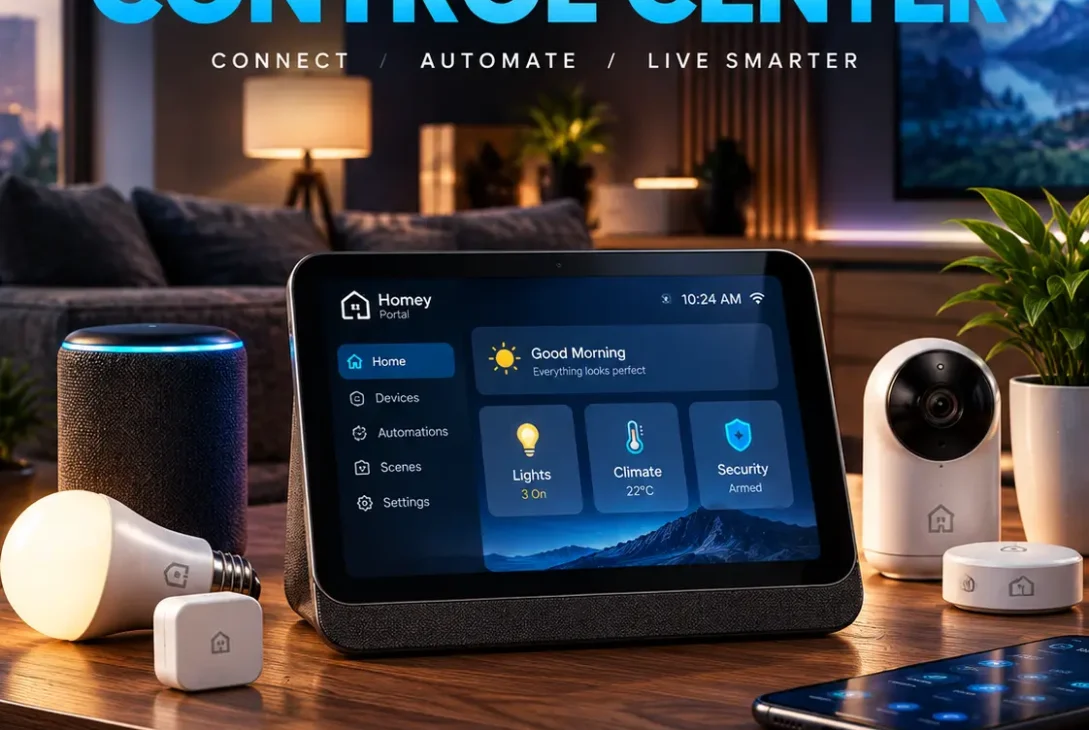
Smart homes have become more capable, but controlling connected devices can still feel unnecessarily complicated. Lights, thermostats, speakers, cameras, and other devices often require different apps or voice commands. Homey Portal takes a different approach by putting a physical touchscreen and rotary control in the room.
Introduced by Homey in September 2026, the new smart home controller combines a 2.8-inch round touchscreen with a stainless-steel rotary ring. Instead of controlling only one device, it can manage devices connected to a specific Homey zone, such as a living room or kitchen.
The concept is simple: tap the screen, touch an option, or turn the ring to adjust something. The device is designed to make everyday smart home control accessible to everyone in the room, without requiring a phone.
Table of Contents
- What Is Homey Portal?
- How Does Homey Portal Work?
- Homey Portal Design
- Display and Rotary Ring
- Smart Home Controls
- Lighting Control
- Climate Control
- Energy Monitoring
- Flows, Moods and Shortcuts
- Homey Portal Hardware Specifications
- Compatibility and Homey Ecosystem
- Homey Cloud vs Homey Pro
- Installation and Mounting
- Homey Portal Price and Availability
- Advantages and Limitations
- Who Should Consider Homey Portal?
- Frequently Asked Questions
- Final Verdict
- SEO Details
What Is Homey Portal?
Homey Portal is a dedicated smart home controller designed to provide physical, room-based access to connected devices.
Unlike a traditional smart speaker, it does not primarily depend on voice commands. Instead, it uses a circular touchscreen and a physical stainless-steel ring.
The controller can be assigned to a Homey zone. Once configured, users can access devices and automations associated with that area of the home.
Homey says the device works with Homey Cloud, Homey Pro, Homey Pro mini, and Homey Self-Hosted Server. This means it is intended as an interface for an existing Homey setup rather than a completely standalone smart home hub.
How Does Homey Portal Work?
The basic interaction is built around three actions: tap, touch, and twist.
The touchscreen displays controls and information for the selected zone. The rotary ring can then be used for adjustments that naturally require increasing or decreasing a value.
For example, you can turn the ring to make a light brighter or change the target temperature of a compatible thermostat.
The screen can also display additional controls that cannot be represented by a simple physical dial.
This combination gives the controller a more traditional physical feel while still providing the flexibility of a touchscreen.
Homey Portal Design
The design is one of the most noticeable parts of the device.
It has a compact circular body with a 2.8-inch touchscreen in the center and a stainless-steel rotary ring surrounding it.
The device can sit on a desk or be mounted on a wall. Homey includes both a desk stand and wall-mount hardware.
This makes it possible to position the controller where people naturally interact with the smart home.
For example, a wall-mounted unit near the entrance could provide quick access to lights, while another unit in the living room could control entertainment and climate settings.
The zone-based approach is particularly important because the device is designed around the room where it is installed.
Display and Rotary Ring
The 2.8-inch touchscreen provides the visual interface.
The physical ring is designed for adjustments such as brightness, volume, and temperature.
For lighting, users can tap to turn lights on or off and rotate the ring to change brightness.
For climate control, the ring can be used to adjust the desired temperature.
The display handles more detailed interactions, including choosing colors, changing warmth, selecting moods, and accessing additional controls.
This makes the device more versatile than a traditional physical smart switch.
Smart Home Controls
The purpose of Homey Portal is to bring commonly used smart home controls into one physical location.
Depending on the connected devices and Homey setup, users can interact with:
- Smart lights
- Speakers
- Thermostats
- Climate systems
- Energy information
- Flows
- Moods
- Cameras
- Connected switches
- Other compatible smart devices
The actual controls available depend on the devices connected to the Homey ecosystem.
The controller can also provide quick access to automations, reducing the need to open a smartphone app for simple actions.
https://homey.app/en-us/news/introducing-homey-portal
Lighting Control
Lighting is one of the areas where the device’s physical ring makes the most sense.
A tap can turn lights on or off, while rotating the ring can increase or decrease brightness.
Users can also select colors on compatible smart lights.
Color temperature can be adjusted between cooler and warmer lighting, allowing the same lighting system to work for different situations.
Homey also supports Moods, which can change multiple devices together.
For example, a movie-night Mood could adjust lights and other connected equipment at the same time.
Climate Control
The device can also provide room climate controls.
The display can show information such as current temperature, target temperature, and humidity when supported by the connected Homey devices.
The rotary ring provides a straightforward way to change the desired temperature.
Users can also switch between available climate modes such as heating, cooling, automatic operation, or off, depending on the connected thermostat.
This is one of the clearest examples of why a physical controller can still be useful in a smart home.
Instead of opening an application, the user can simply walk up to the device and turn the ring.
Energy Monitoring
Energy information is another feature built into the controller.
Compatible Homey setups can display real-time energy usage and other information directly on the screen.
Users can see how much electricity connected devices are consuming and, where supported, view imported or exported energy.
Solar users can also monitor solar generation.
Homey says energy-price information can be displayed as well, helping users identify cheaper periods for electricity usage where the required energy integrations are available.
Some energy features require a Homey Energy Dongle, compatible smart meter, or supported third-party integration.
Flows, Moods and Shortcuts
One of Homey’s most important features is its Flow automation system.
Flows allow connected devices and actions to work together according to predefined conditions.
The controller can provide access to frequently used Flows and Moods directly from its interface.
Users can customize the home screen by pinning their most-used devices, Flows, or Moods.
A double tap can also be assigned to a favorite quick action.
This could be used to toggle lights, start an automation, activate a Mood, or control compatible speakers.
The result is a physical interface that can be customized around the routines of a particular household.
Homey Portal Hardware Specifications
The main hardware components include:
| Feature | Homey Portal |
|---|---|
| Display | 2.8-inch touchscreen |
| Processor | Quad-Core Cortex-A55 |
| Controls | Touchscreen + rotary ring |
| Rotation Sensor | Magnetic rotation sensor |
| Speaker | Built-in |
| Proximity | Proximity sensor |
| Connectivity | Works through Homey ecosystem |
| Port | USB-C |
| Mounting | Desk stand and wall mount |
| Design | Stainless-steel rotary ring |
| Smart Home Platform | Homey |
The specifications show that the device is not trying to compete with a smartphone or tablet.
Its hardware is designed around a specific purpose: providing an always-available interface for controlling a smart home.
Compatibility and Homey Ecosystem
One of the most important things to understand about Homey Portal is that it works as part of the wider Homey ecosystem.
Homey states that the controller works with Homey Cloud, Homey Pro from the 2023–2026 generation, Homey Pro mini, and Homey Self-Hosted Server.
The Homey ecosystem itself supports a large number of connected devices and brands.
That makes compatibility one of the device’s biggest potential advantages for existing Homey users.
However, buyers should check whether their specific devices support the controls they need before purchasing.
Homey Cloud vs Homey Pro
Homey offers different ways to run a smart home.
Homey Cloud provides a cloud-based option without requiring dedicated Homey hardware. Homey says the free version supports the first five devices, with Homey Premium available as the smart home grows.
Homey Pro provides dedicated local smart home hardware and does not impose a device limit in the same way.
Homey Pro mini offers another hardware-based option.
Homey Self-Hosted Server is designed for users who want to run Homey’s system on their own server.
The controller can work with these different Homey configurations, giving users flexibility in how they build their smart home.
Installation and Mounting
Setting up the hardware is designed to be straightforward.
For desk use, the device slides into its included stand.
For wall installation, the included mounting hardware can be used to position it at a convenient height.
The ideal location depends on the room and the devices being controlled.
A living-room installation might be positioned where everyone can reach it from the sofa, while a kitchen installation could be placed near a frequently used entrance or work area.
Multiple controllers can also make sense in larger homes because each unit can be assigned to a specific zone.
Homey Portal Price and Availability
Homey announced the device in September 2026 and opened pre-orders at an introductory price of $249 in the United States and €249 in European markets.
Homey says the first production run is being offered at an introductory price, with shipments expected before the end of 2026.
The device is therefore initially positioned as a premium smart home accessory rather than a low-cost smart switch.
The total cost can also depend on the Homey platform already being used.
Existing Homey users may simply be adding a new interface, while new users may need to consider the cost of the required Homey ecosystem.
Advantages and Limitations
Advantages
- Physical rotary control
- 2.8-inch touchscreen
- Room-based control
- Desk and wall mounting
- Customizable home screen
- Quick actions
- Lighting controls
- Climate controls
- Energy information
- Support for Flows and Moods
- Works with several Homey platforms
Limitations
- Requires a compatible Homey setup
- Not designed as a standalone smart home hub
- Relatively small display
- Premium introductory price
- Some energy features require additional hardware or supported services
- Device compatibility depends on the Homey ecosystem
The biggest consideration is that the controller is not intended to replace the Homey platform underneath it.
Who Should Consider Homey Portal?
Homey Portal makes the most sense for people who already use Homey and want a convenient physical interface.
It can be particularly useful for households where several people need to control the smart home.
Not everyone wants to install an app, create an account, or remember voice commands just to adjust a light.
A physical controller can be easier for children, guests, family members, and people who simply prefer traditional controls.
It may also appeal to smart home enthusiasts who want their technology to be visible and accessible rather than hidden behind smartphone applications.
Frequently Asked Questions
What is Homey Portal?
Homey Portal is a touchscreen smart home controller with a physical rotary ring. It is designed to control compatible devices and automations connected to a Homey smart home.
Does Homey Portal work without Homey?
No. It is designed to work with Homey Cloud, Homey Pro, Homey Pro mini, or Homey Self-Hosted Server rather than operating as a completely independent smart home hub.
How big is the Homey Portal screen?
It has a 2.8-inch round touchscreen.
Can Homey Portal control lights?
Yes. Compatible smart lights can be turned on or off, dimmed, and adjusted for color and warmth through the controller.
Can Homey Portal control temperature?
Yes. With compatible climate devices, the controller can display temperature information and allow users to adjust the target temperature.
Can Homey Portal show energy usage?
Yes. Compatible Homey energy integrations can display real-time usage and other energy information.
Can Homey Portal be mounted on a wall?
Yes. Homey includes a wall-mount option as well as a desk stand.
Does Homey Portal support automations?
Yes. Users can access Homey Flows and Moods and create quick actions for frequently used routines.
When will Homey Portal ship?
Homey says orders from the first production run are expected to ship before the end of 2026.
Final Verdict
Homey Portal represents a different approach to smart home control. Instead of trying to make every interaction voice-based or app-based, it puts a dedicated physical interface directly in the room.
Its 2.8-inch touchscreen, stainless-steel rotary ring, customizable shortcuts, lighting controls, climate features, energy information, and Homey Flow integration make it more than a simple smart switch.
The biggest factor to consider is the Homey ecosystem itself. This device is designed as an interface for Homey rather than an independent smart home hub.
For existing Homey users who want faster and more accessible room-based control, the device offers an interesting new option. For newcomers, the cost and ecosystem requirements should be considered before making a purchase.
As smart homes continue to expand, dedicated controllers like this could provide a useful middle ground between traditional switches and smartphone-based control.